Styles & options

One calculator, four ways to show it

Every style uses your prices, your colours and your words. Pick the one that suits your website, or use more than one.

Compact

A neat card that sits in your page

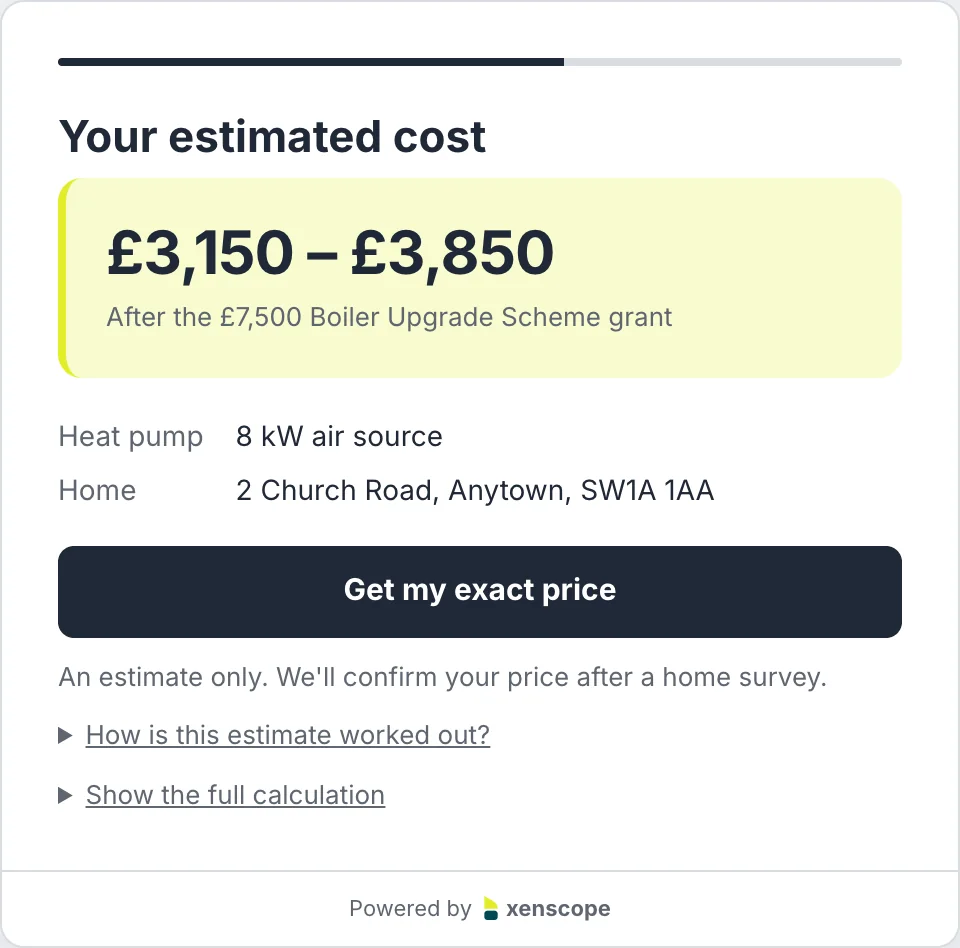
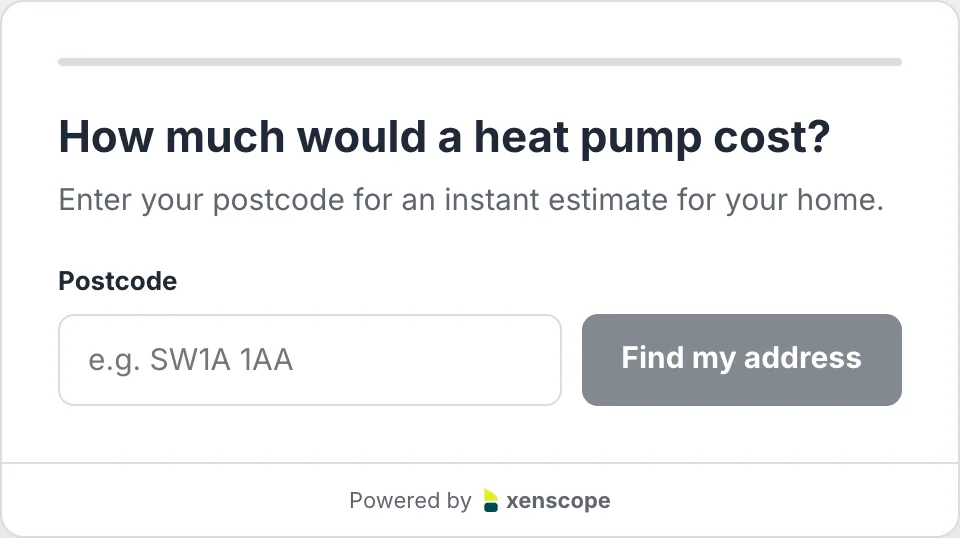
The quickest route to a price. Homeowners enter their postcode, pick their address and see an estimate in seconds, in a card that fits beside your own content.

  • Set its width and alignment
  • Postcode, address, estimate: three steps
  • “Get my exact price” turns interest into a callback
See it live ↗
The Compact calculator asking for a postcodeThe Compact calculator showing an estimated cost after the grant
Full width

The whole quote journey, with property details

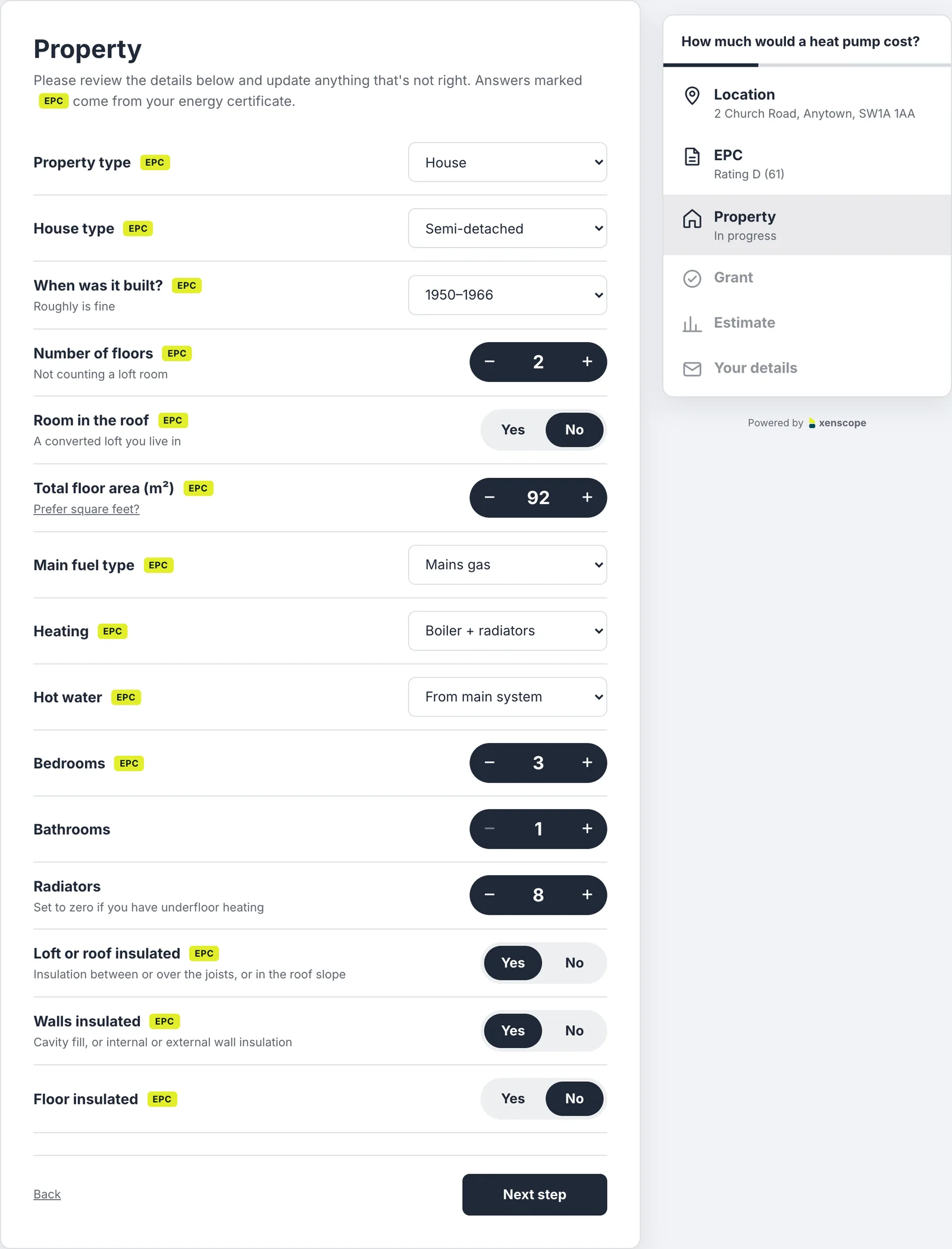
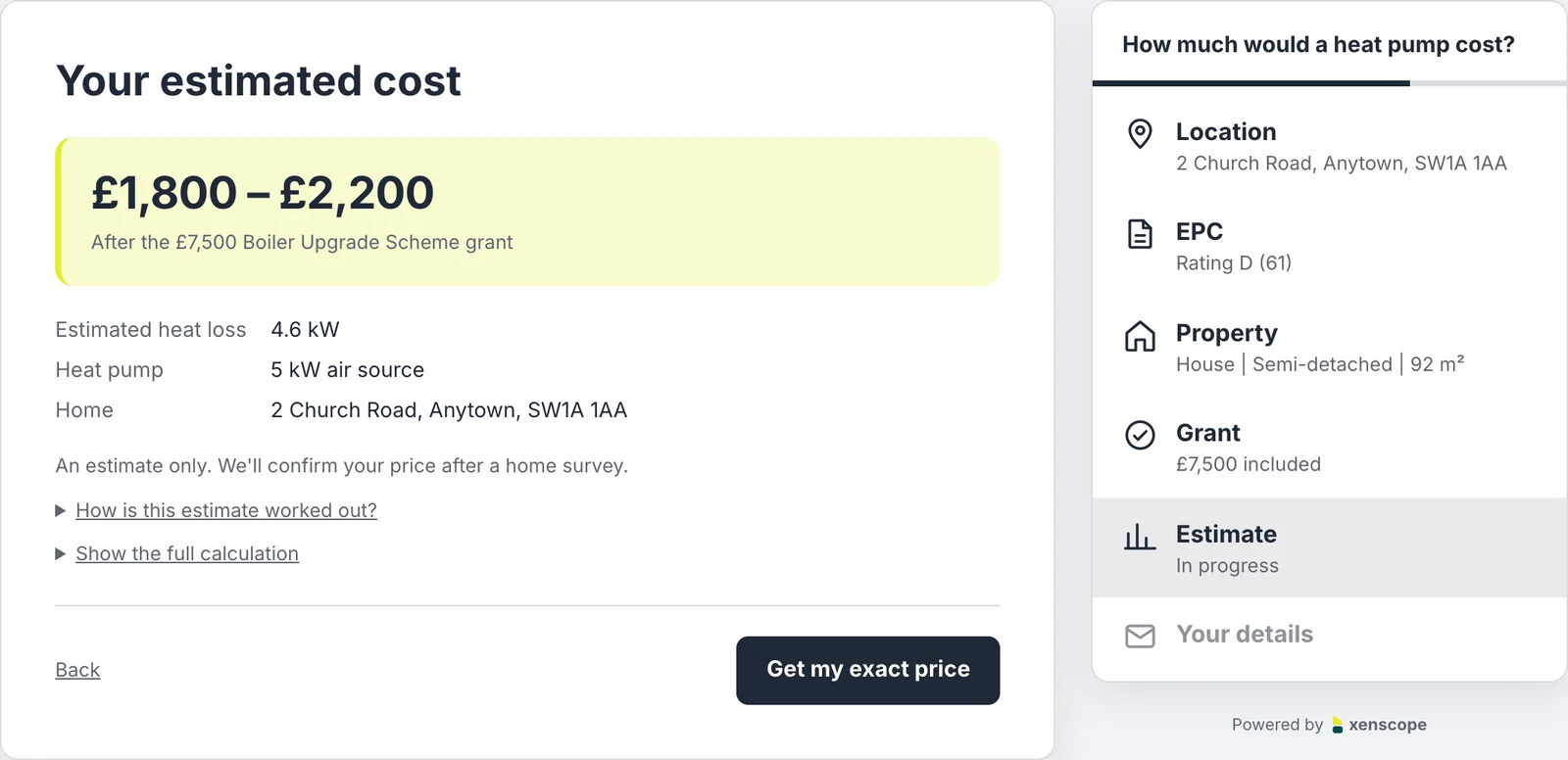
Spreads across your page with a step list alongside. Homeowners check and fine-tune what their EPC says about their home, so the heat loss calculation and the estimate are more accurate.

  • Age, floors, heating, radiators, insulation and more
  • Answers from the EPC are pre-filled and tagged
  • Missing details are highlighted before they move on
See it live ↗
The Full width calculator's property step, with details from the EPCThe Full width calculator's estimate with heat loss and heat pump size
Floating button

A button that follows visitors round your site

A small button pinned to the corner of every page. One click and the calculator opens over the page, so visitors can get a price from wherever they are.

  • Your own button label
  • Bottom right or bottom left, at the distance you choose
  • Only one line of code: no placeholder needed
See it live ↗
A website with the floating quote button in the bottom-right cornerThe floating button opened into the calculator over the page
Hosted page

No website? Your own quote page

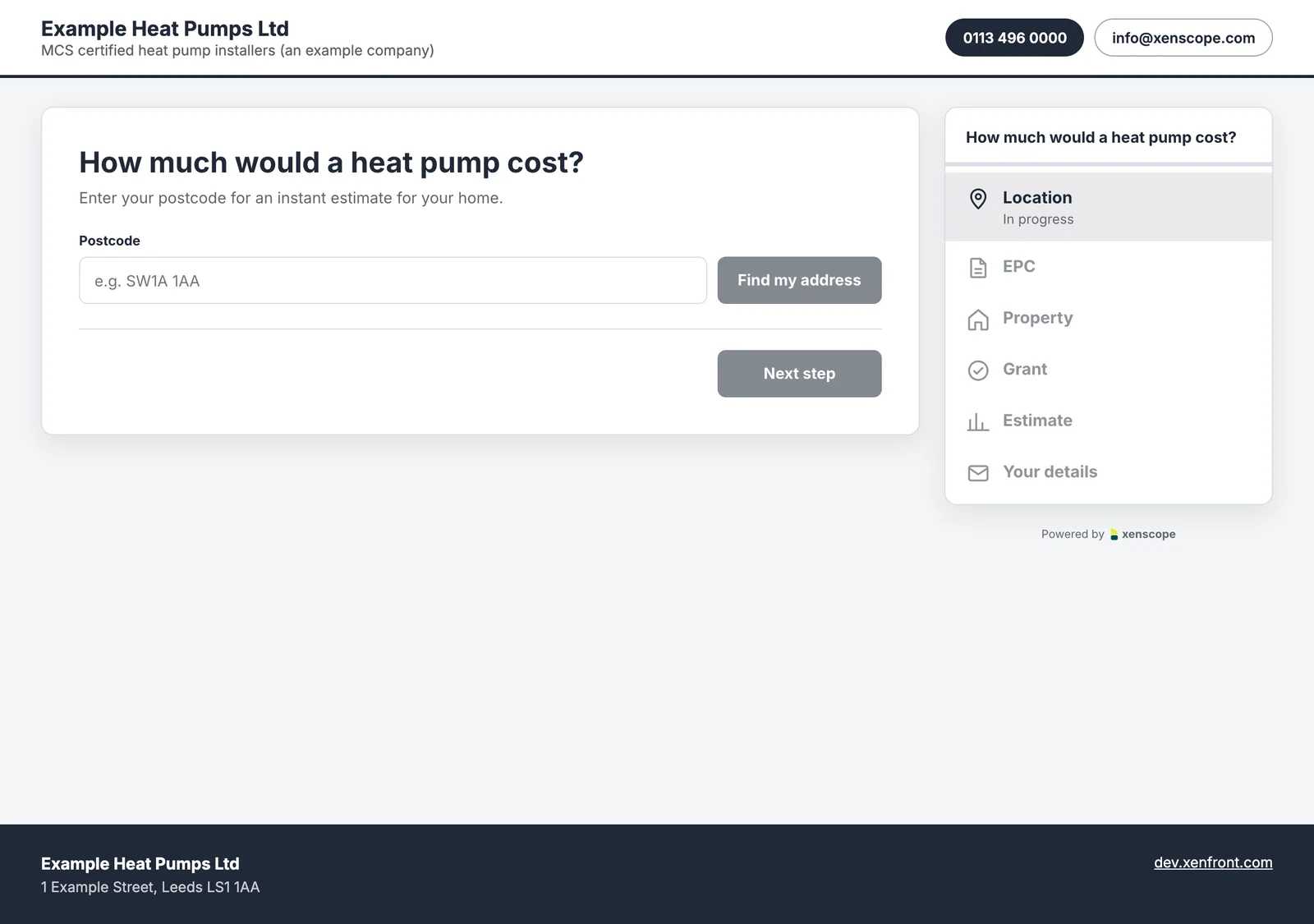
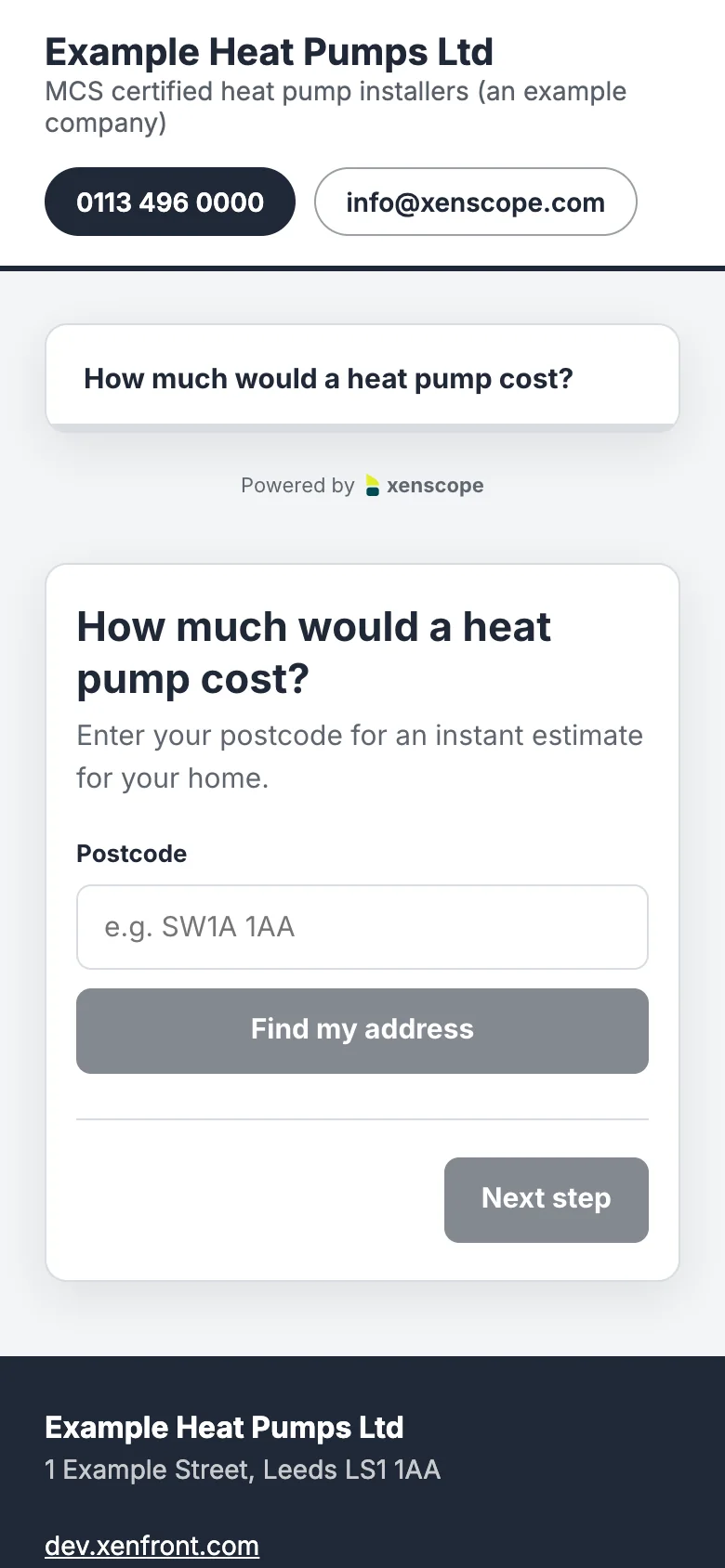
We host a page for you with your company details in the header and footer and the calculator in the middle, at an address you choose. Share it anywhere, or print its QR code on vans, flyers and letters.

  • go.xenfront.com/your-company-name
  • A QR code, ready to print
  • No code at all
See it live ↗
A hosted quote page on a computer, with the company's header and footerThe same hosted quote page on a phone
Options

Make it look like yours

Change any of these in the console and the preview updates as you go. Your website picks up the changes straight away, with no new code.

Colours

Buttons, text, backgrounds, borders and the estimate highlight.

Font

Any Google Font, to match your website.

Shape and size

Corner rounding, shadow, border, width, padding and alignment.

Your words

The title, button labels, disclaimer, consent text and thank-you message.

Your logo

Shown at the top of the calculator and on your hosted page.

Your prices

An installed price for each heat pump size, from 4 kW to 24 kW.

Floating button

Its label, which corner, and how far from the edges.

Company details

Phone, email, address and links for your hosted page.

Ready to add yours?

Create your calculator, then paste two lines into your website.